


3.5 Inch IPS TYPE-C Secondary Screen DIY Computer Monitor USB-TYPEC Secondary Screen for Windows Built-in Software
 110.30
966.38
110.30
966.38
Express
Fastest 7 days
Please hurry! Only 17 left in stock
Pay in 4 easy interest-free installments with
 Tabby or
 Tamara
Tabby or
Tamara
💰 Spend 100 more to get Free Shipping!
🚚 Shipping Fee: 10
🚀 Delivery Time: Fastest Delivery 7 Days
Shipping & Return Policy
10 customers are viewing this product




Battery Included: No
Brand Name: Caturda
Choice: yes
Compatible With: Windows
Feature 1: Use built-in software
Feature 2: 360 ° rotation
Feature 3: Windows only
Hign-concerned Chemical: None
Interface: USB-TYPEC
Origin: Mainland China
Resolution: 320*480
Size: 55*85mm
semi_Choice: yes
3.5 Inch IPS TYPE-C Secondary Screen DIY Computer Monitor USB-TYPEC Secondary Screen for Windows Built-in Software
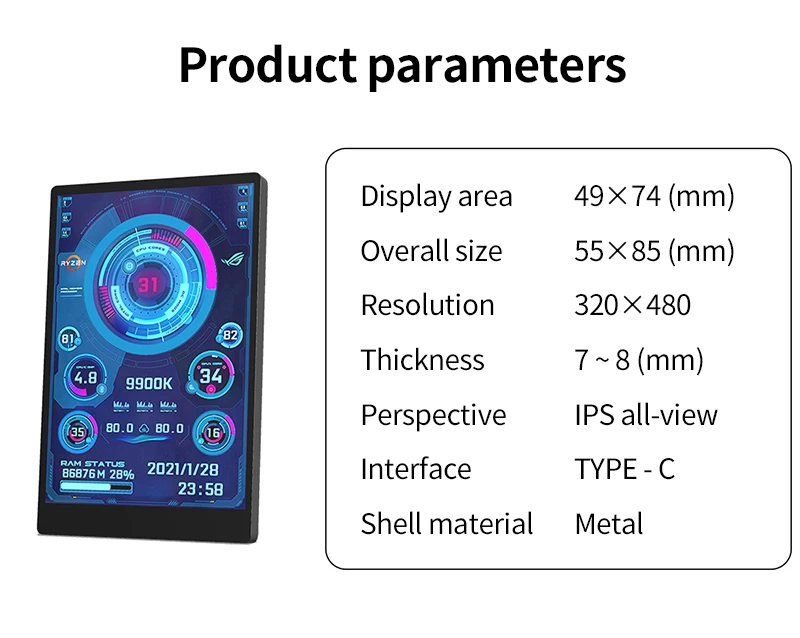
【Product parameters】
Display area: 49*74mm
Size: 55*85mm
Resolution: 320*480
Thickness: 7 --8 mm
Viewing angle: ips full viewing angle
Interface: USB-TYPEC
Shell material: metal
【Feature】
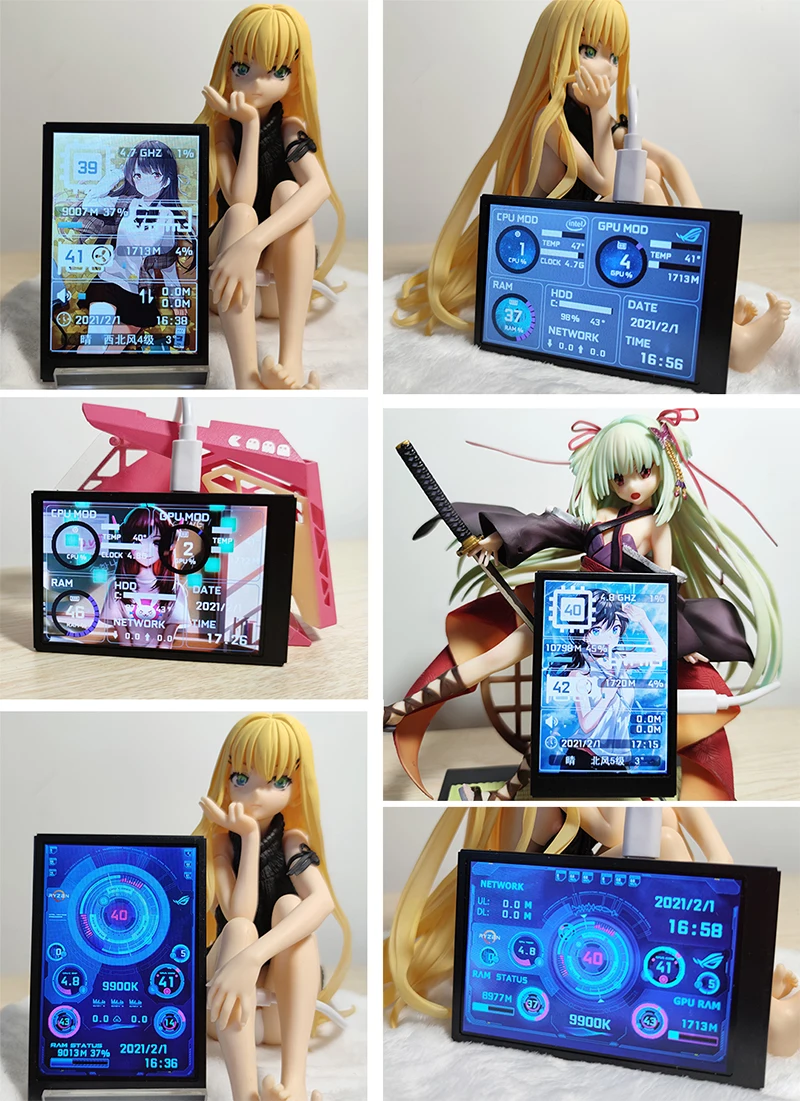
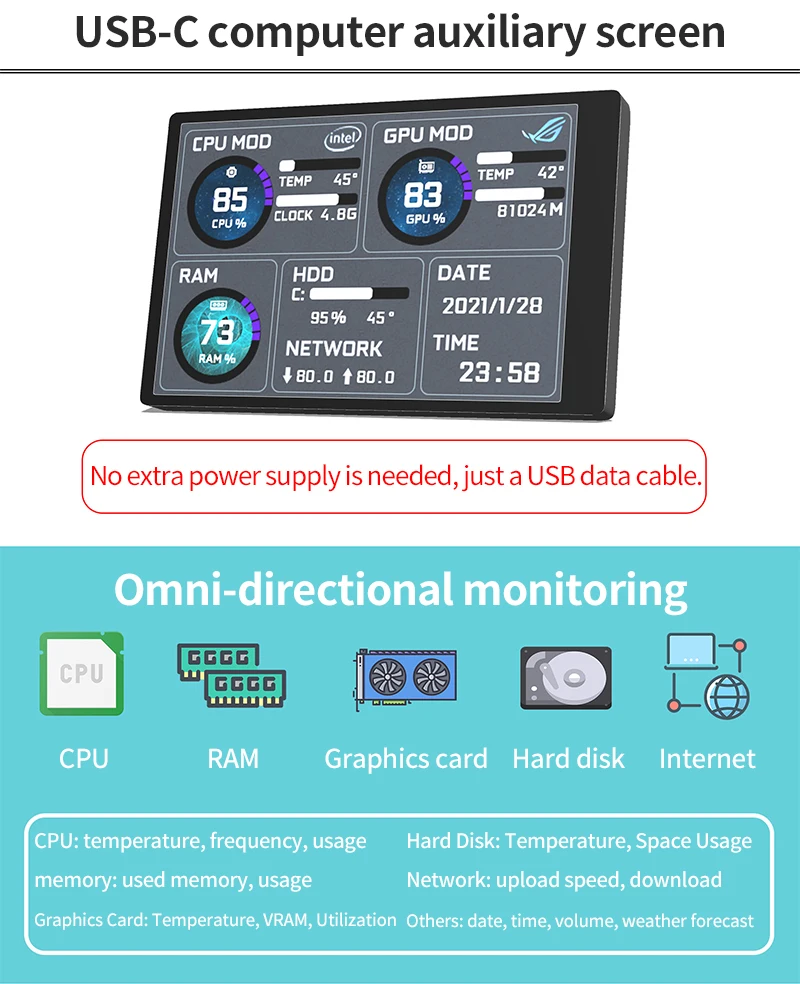
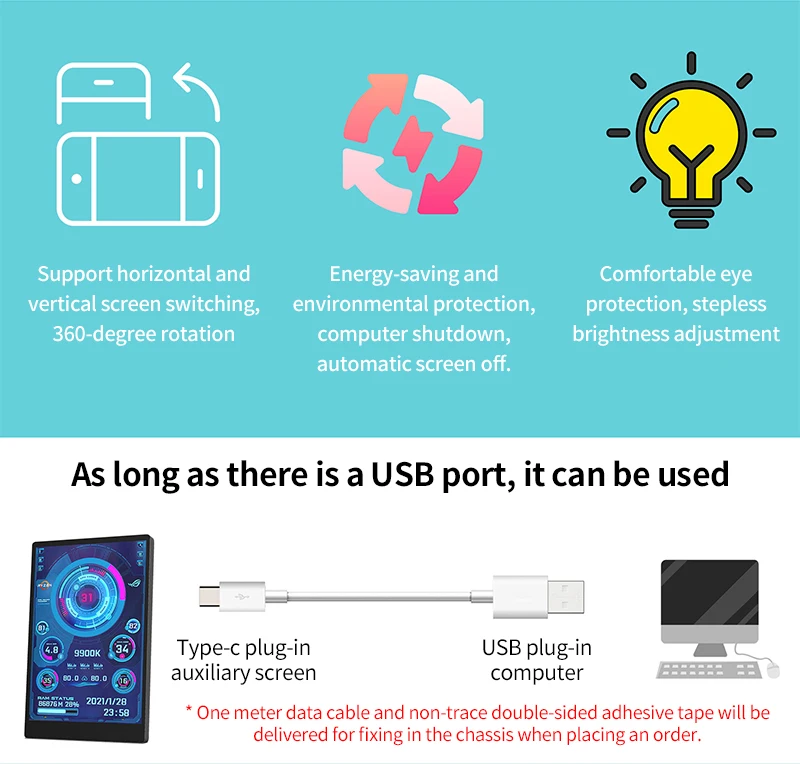
Works with just one usb type-c cable, no hdmi cable required
Windows only
Use built-in software, no need for aida64
Support screen horizontal and vertical switching, 360 ° rotation
Energy saving and environmental protection
Automatically turn off the screen after shutdown
Comfortable eye protection
Stepless brightness adjustment
Type-C is connected to the secondary screen, USB is connected to the computer, comes with a rice cable
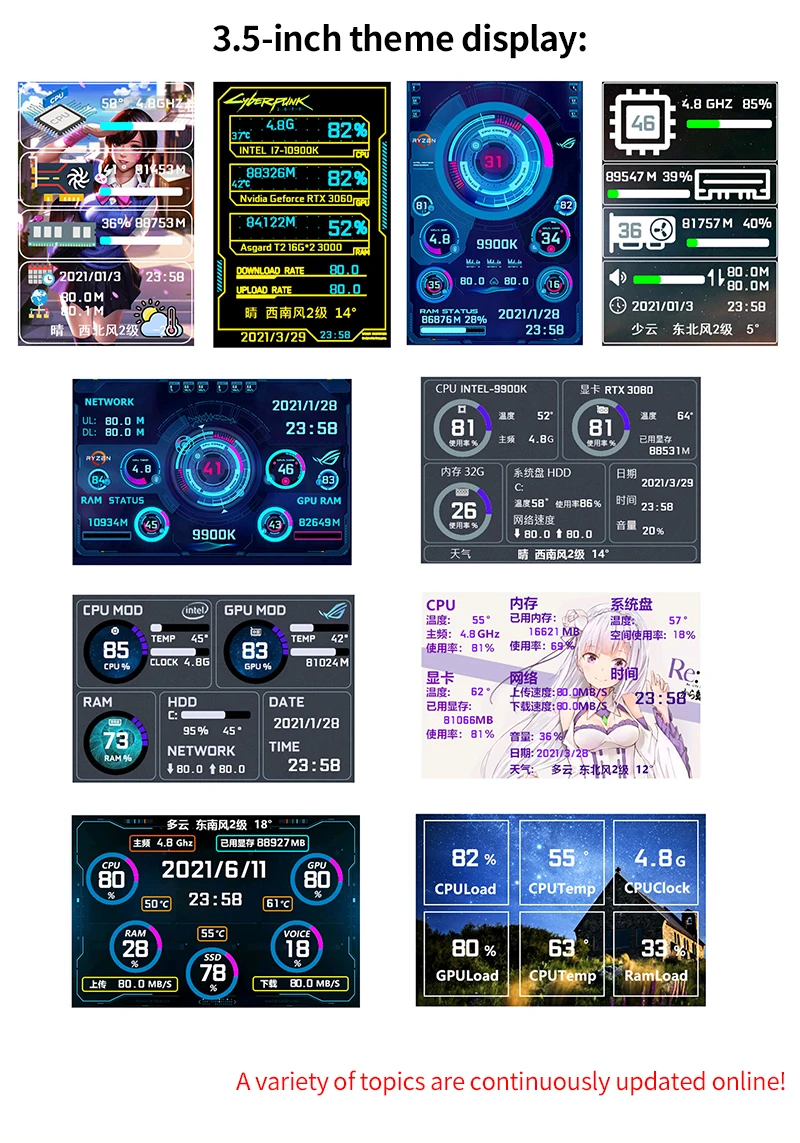
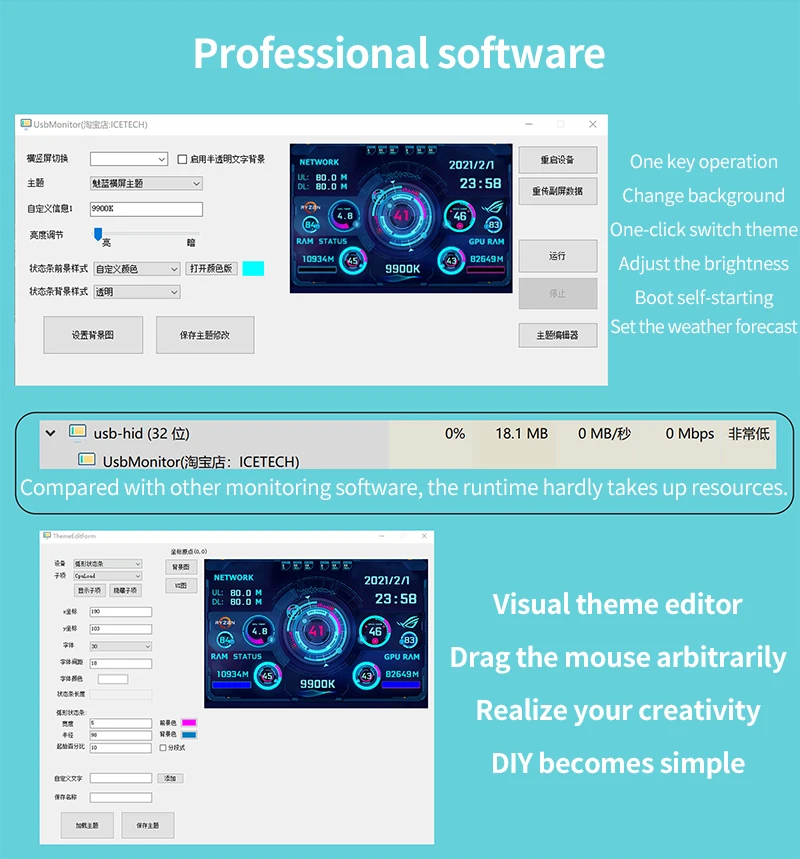
Professional software, one-key operation and one-key switching
Background image one click
switch themes
Brightness adjustment auto-start
Set city weather forecast
【Software download link】
software:
https://lgb123-1253504678.cos.ap-beijing.myqcloud.com/35inchENG.rar
wallpaper:
https://lgb123-1253504678.cos.ap-beijing.myqcloud.com/Wall.rar
1. How to use?
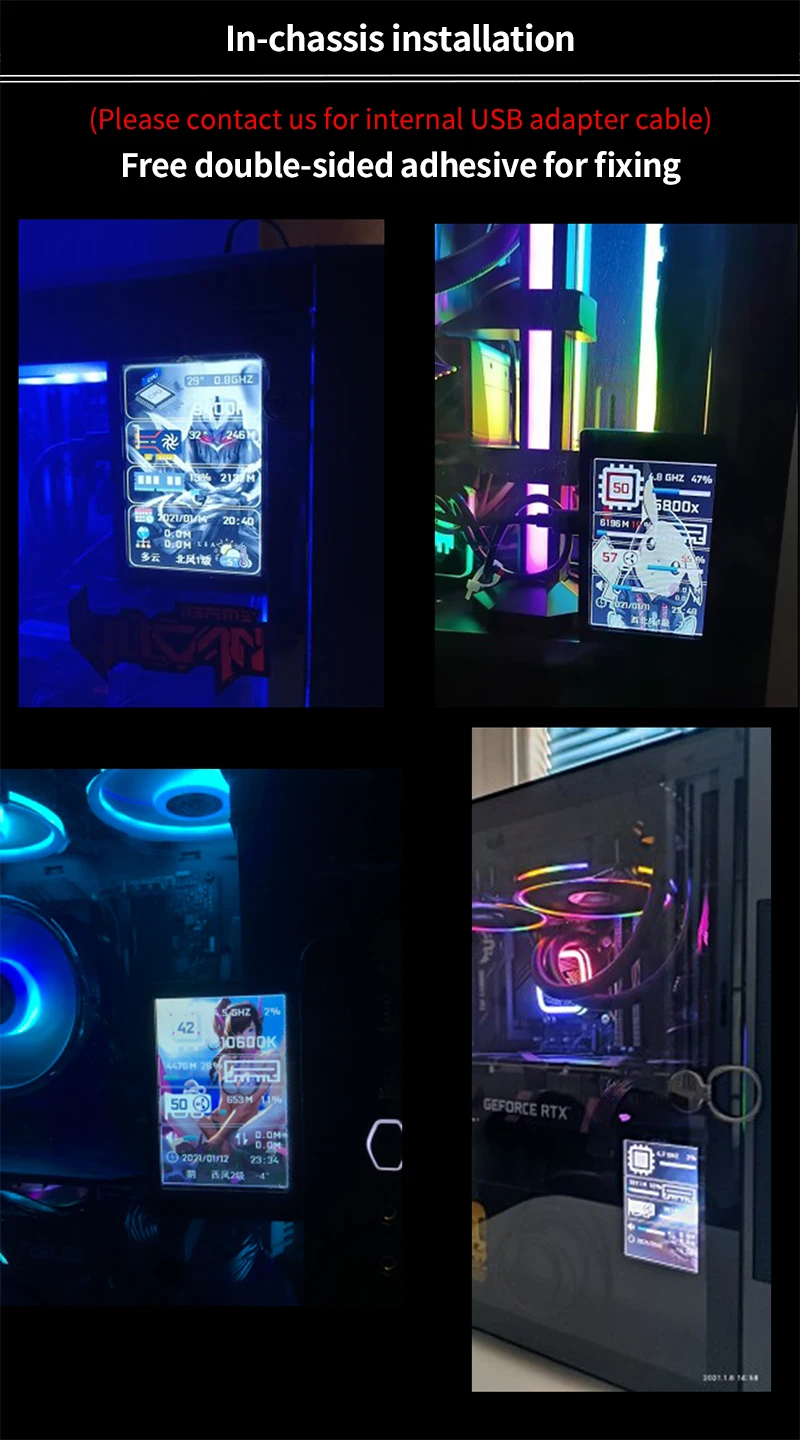
Connect the mini secondary screen to the computer, then start our custom software, no need for aida64, no other complicated settings
2. Why does the graphics card data not move?
The average laptop user typically uses a separate monitor in standby and only uses the core monitor to save power, while the secondary monitor monitors the most important separate monitor. Of course, the graphics card monitoring data has not changed.
3. Can other content be displayed?
No, only the content of custom software settings can be displayed
4.usb interface version?
usb1.0 usb2.0 usb3.0 unlimited as long as it is usb
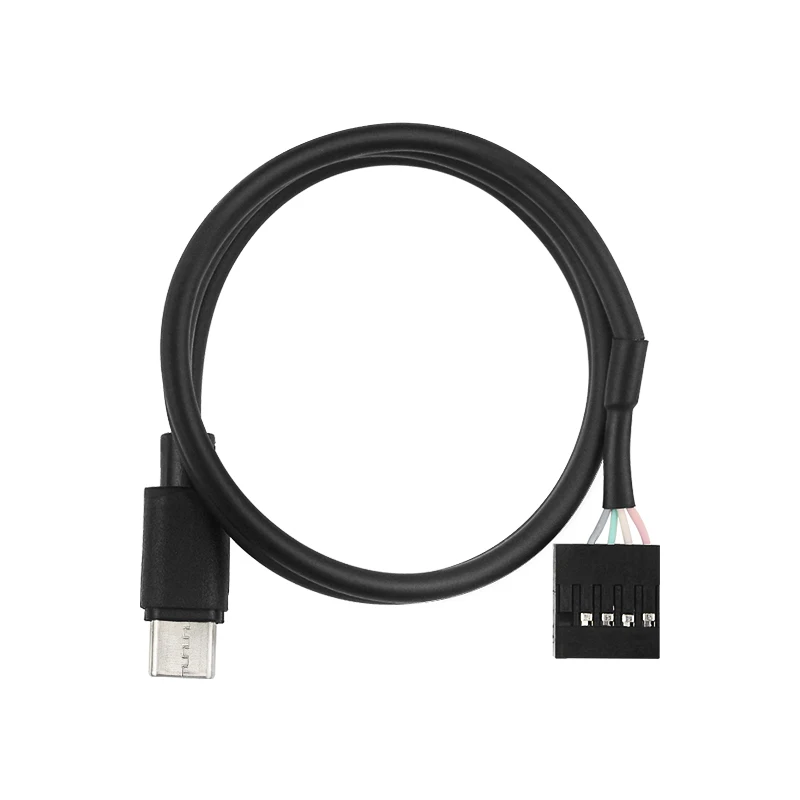
0.5M 5Pin to USB TYPE-C Cable
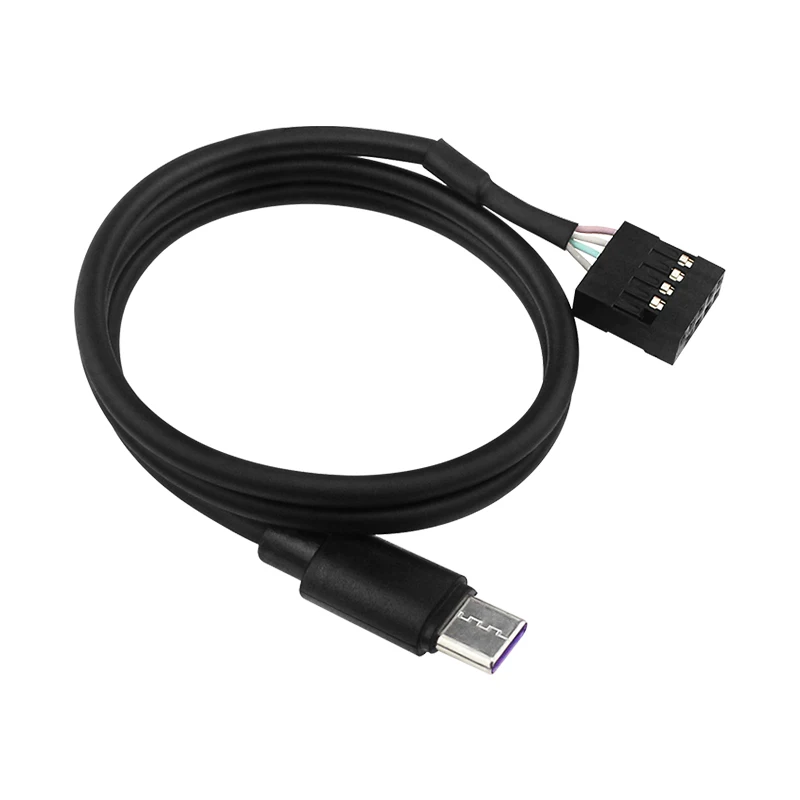
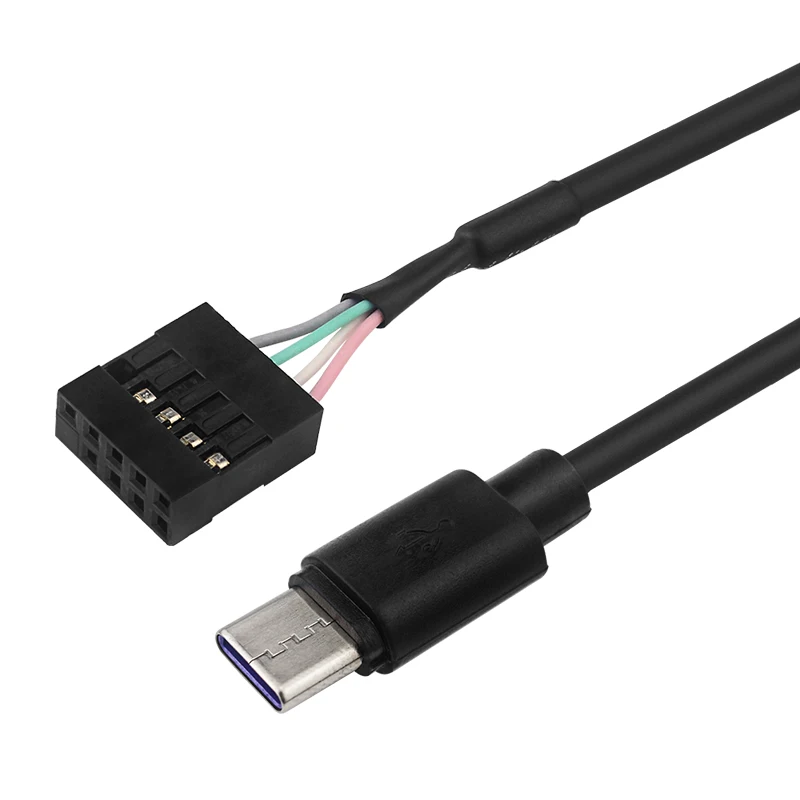
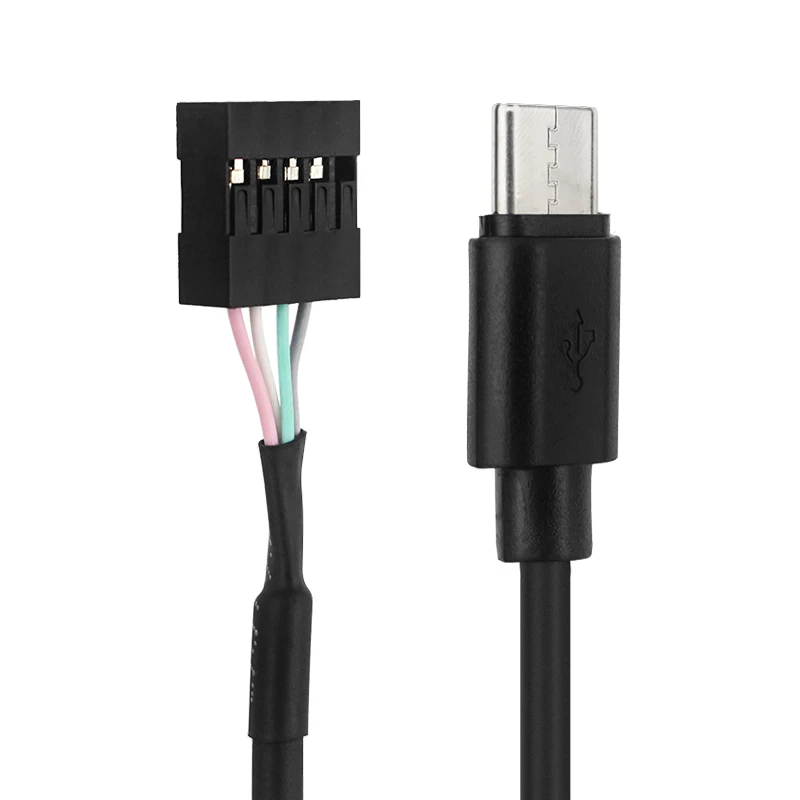
【Packing List】
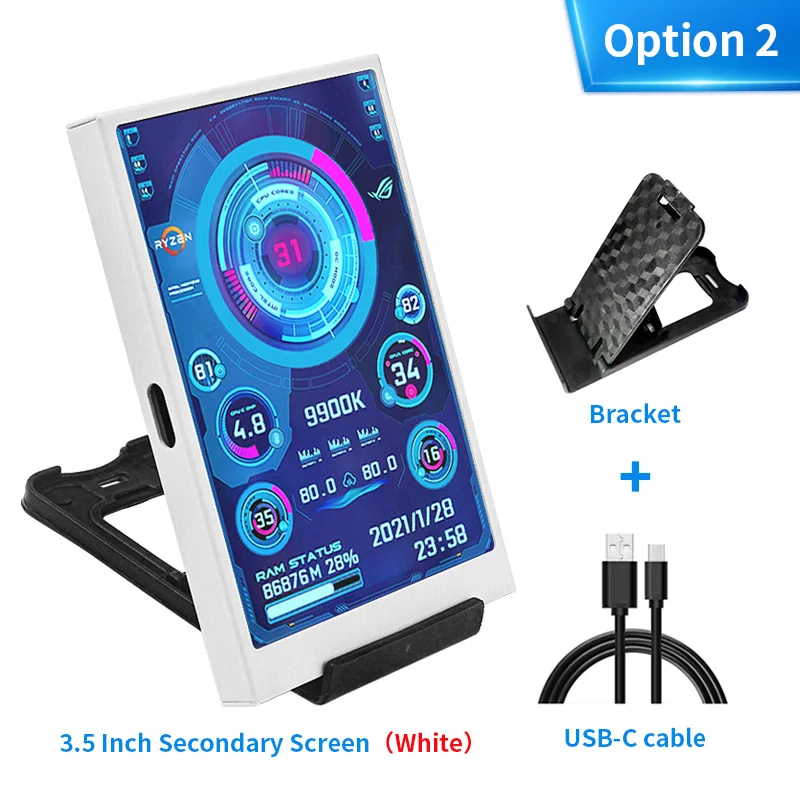
Option 1 / 2:
1 x 3.5 inch IPS Screen (Black / White)
1 x USB TYPE-C Cable
1 x Bracket
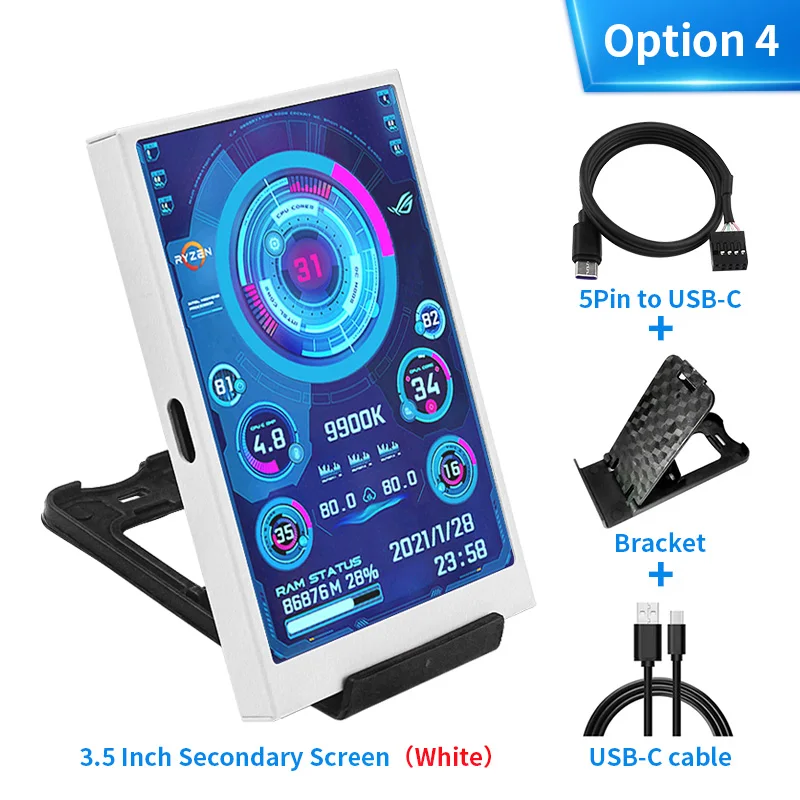
Option 3 / 4:
1 x 3.5 inch IPS Screen (Black / White)
1 x USB TYPE-C Cable
1 x Bracket
1 x 0.5M 5Pin to TYPE-C Cable
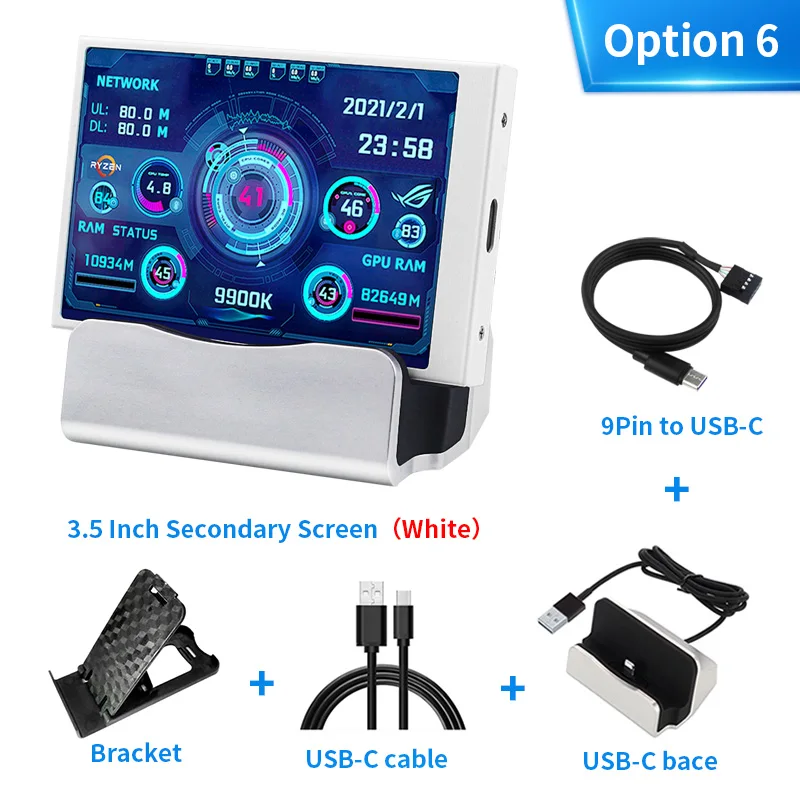
Option 5 / 6:
1 x 3.5 inch IPS Screen (Black / White)
1 x USB TYPE-C Holder
1 x 0.5M 5Pin to TYPE-C Cable
Related Products

Example product title
98.75
957.49
98.75
957.49
Express
Fastest 7 days
Example product title
98.75
957.49
98.75
957.49
Express
Fastest 7 days
Example product title
98.75
957.49
98.75
957.49
Express
Fastest 7 days
Example product title
98.75
957.49
98.75
957.49
Express
Fastest 7 days
Example product title
98.75
957.49
98.75
957.49
Express
Fastest 7 days
Example product title
98.75
957.49
98.75
957.49
Express
Fastest 7 days
Latest Posts
View All
Berberine for Weight Loss: How This Natural Compound May Help Transform Your Metabolism
Curious about berberine for weight loss? Learn how it may...

How to Protect Yourself from Ecommerce Scams: Safe Online Shopping Made Simple
Learn the quick checks that help you protect yourself from...

Best Dubai Shopping Offers: Unbeatable Discounts and Promotions This Week
Discover the best Dubai shopping offers this week with smart...

Unique Home Decor Ideas: Creative Ways to Refresh Your Space
Discover unique home decor ideas to refresh your space with...

How to Shop Smart in Dubai: Tips for Budget-Conscious Shoppers
How to Shop Smart in Dubai: Tips for Budget-Conscious Shoppers...

🌟 The Curious World of Labubu: Why These Mischievous Toys Are Taking Over Collectors’ Shelves
Labubu was created by artist Kasing Lung, a Hong Kong-based...
- Choosing a selection results in a full page refresh.