


HUADISK Ssd Nvme M2 Pcie Gen3 Hard Drive Disk 128gb 256gb 512gb 1tb Internal Hard Drive For Notebook Desktop
 265.16
1,065.77
265.16
1,065.77
Express
Fastest 7 days
Please hurry! Only 120 left in stock
Pay in 4 easy interest-free installments with
 Tabby or
 Tamara
Tabby or
Tamara
💰 Spend 100 more to get Free Shipping!
🚚 Shipping Fee: 10
🚀 Delivery Time: Fastest Delivery 7 Days
Shipping & Return Policy
10 customers are viewing this product




SPECIFICATIONS
Application: Desktop,Laptop,Server,Workstation,Industrial Computer
Brand Name: huadisk
Bus Type: PCIe 3.0x4
Cache: None
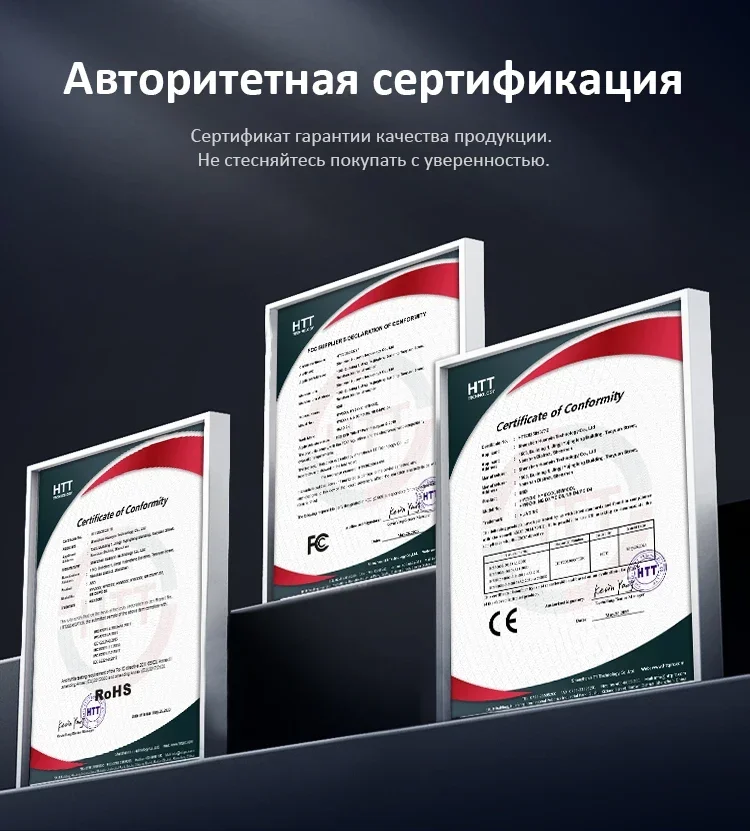
Certification: CE,FCC,RoHS
Choice: yes
Controller: Maxio/PHISON/Realtek/SMI Other Controller Random Delivery
Cooling Fin: Yes
Hign-concerned Chemical: None
Interface Type: M.2 (M)
MTBF: 10000000hours
Max Sequential Read: 2200
Max Sequential Write: 1500
Nand Flash Type: QLC
Origin: Mainland China
Package: Yes
RGB: No
Read/Write Speed: Standard
Size: M.2 2280
Style: SSD
Transport Protocol: NVME
Type: Internal

Note:
Please make sure to confirm whether the motherboard is compatible before purchasing. Many motherboards are only compatible with M, 2 SATA SSD and are not compatible with NVMe SSD. Please do not buy the wrong one.

• High Storage Capacity :The HUADISK M2 SSD NVMe offers high storage capacity with options ranging from 128GB to 1TB, providing ample space for your files and data.
• Superior Speed :This SSD boasts superior speed with a read/write speed of STANDARD, ensuring quick data transfer and faster processing.
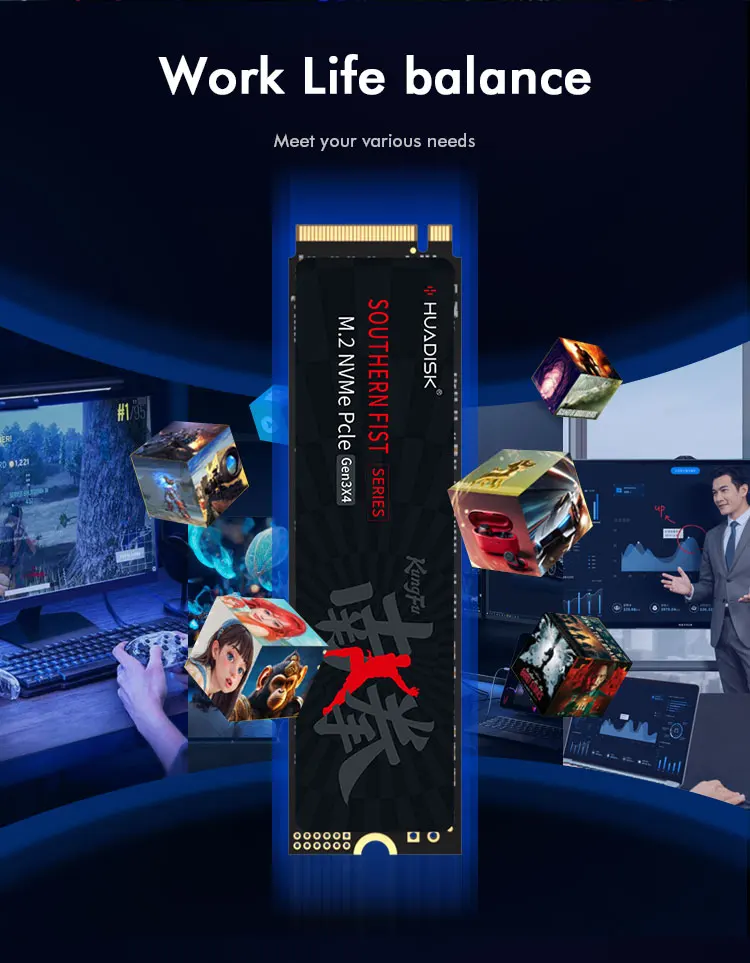
• Versatile Application :Designed for versatility, this SSD is suitable for both industrial computers and personal devices like laptops and desktops.
• PCIe 3.0x4 Bus Type :Equipped with a PCIe 3.0x4 bus type, this SSD ensures fast and efficient data transfer over short distances.
• RoHS Certification :The RoHS certification indicates that this product is free from harmful substances, making it safe for use in various devices.
• Internal Design :Its internal design allows for easy installation and integration into your device, providing a seamless user experience.
Specifaiction:
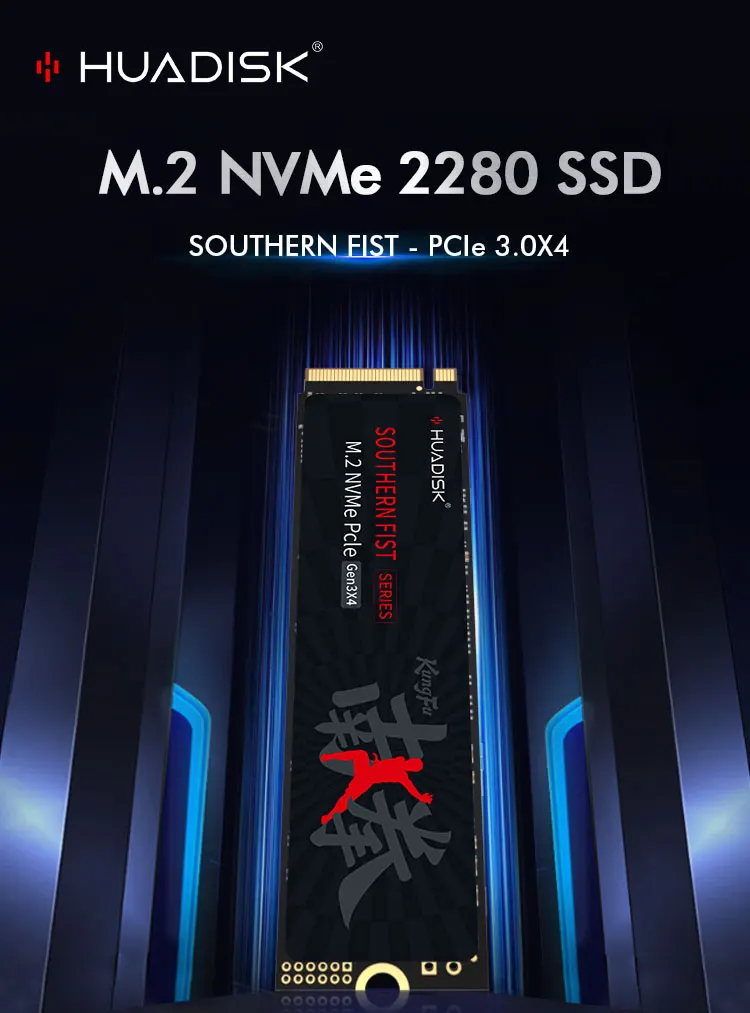
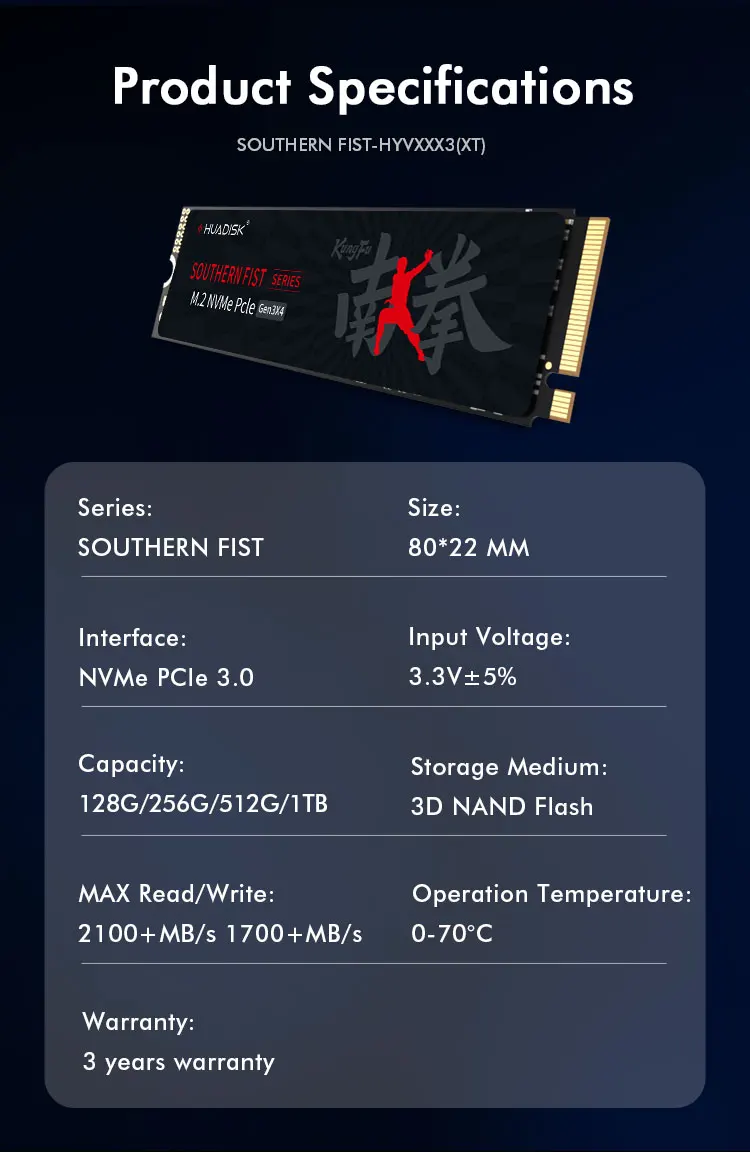
Model Name:2280 M2 NVME PCIE3.0 SSD
Storage Capacity: 128GB/256GB/512GB/1TB
Storage Type: Internal
Caching Type: TLC/QLC(Random delivery)
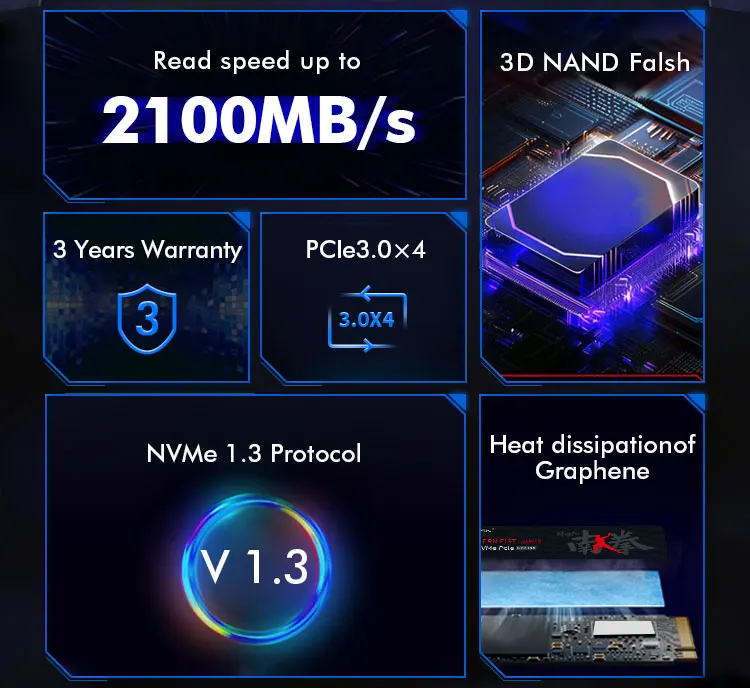
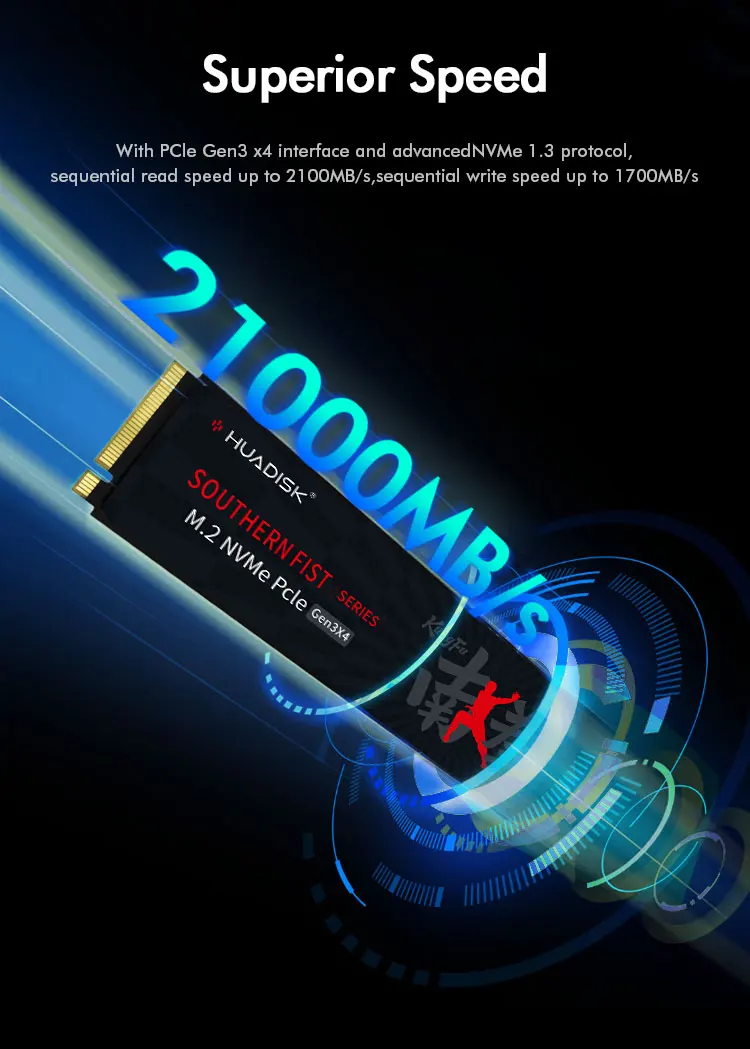
Read Speed up to: 2200MB/s
Write Speed up to: 1500MB/s
Interface: M.2 M key PCIE 3.0 x4
Compatibility: desktop, notebook, PC computer, DIY computer, Motherboard
Features:
• PCIe 3.0x4 Type:The SSD uses PCIe 3.0x4 bus type, which provides faster data transfer speeds and improved power efficiency, provides high-speed data transfer between the SSD and the rest of the system.
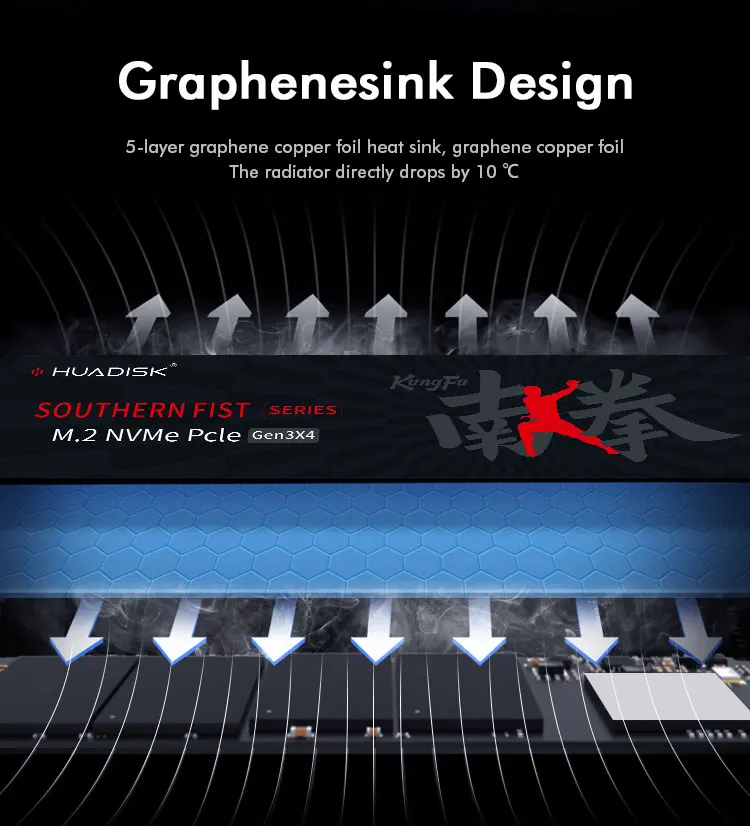
• With Heatsink Pad :The SSD has a heatsink pad, which helps to keep the drive cool and prevent overheating during use.
• NVMe Protocol :The NVMe protocol provide fast data transfer speeds and improved system performance.
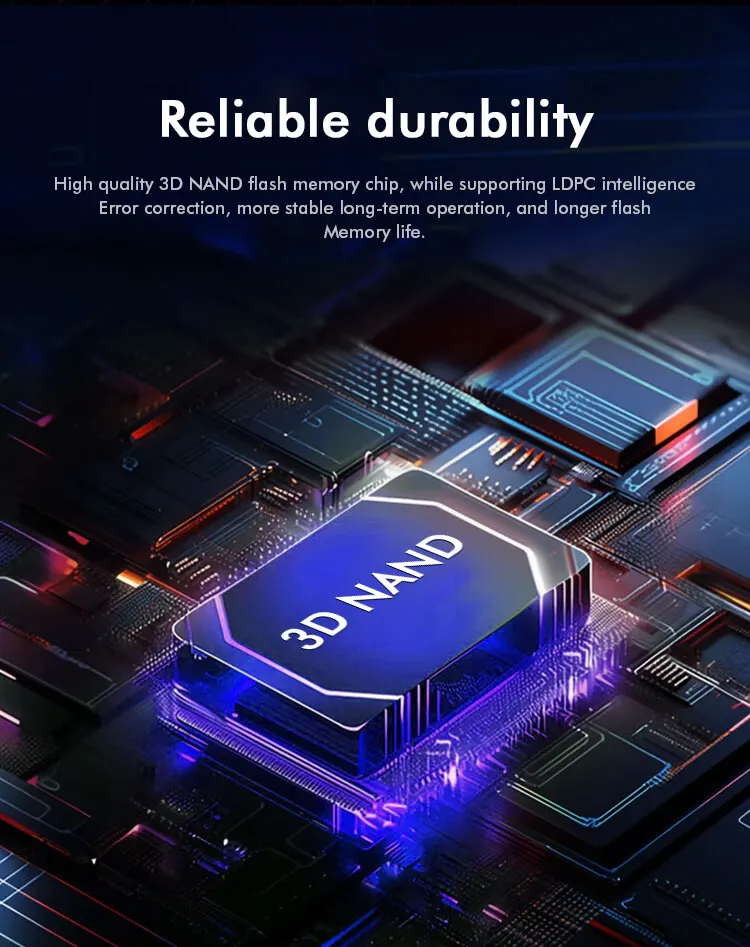
• 3D NAND flash type:The stable Nand flash type provides high storage capacity and reliable data storage.
• M.2 2280 size: The M.2 2280 standard size ensures compatibility with a wide range of devices, making it a versatile option for upgrading your system's storage.
FAQ
Q: Why can't we find solid state drive and read/write data?
A: The new SSD generally need to be formatted in Disk Management.In Disk Management, select"Create and Format Hard Disk Partition", you will find it. If "Not Initialized" is displayed, right clink on the drive and select"Initialize Disk".
Q: Why is the speed test result different from the description?
A: Our test data is just for reference, our test results related to manyfactors, such as the status of hard disk, slot interface type, computer hardware grape, computer system, test platforms, and test software and so on. So, our speed test result will be different with you, hope you can understand.
Q: How to format SSD and achieve 4K alignment?
A: Win7 or higher version OS is recommended due to'Disk Management Formatting function is built in the systems. We recommend NTDS disk partition format and DISKGENIUS tool to make drive partition.
PS: Use as SSD Benchm ark to check if SSD has complied with 4K Alianment and already been under AHC model. Otherwise SSD write/read speed performance and response time will be affected.
Q: Why the capacity of hard disk displayed in the computer will be less?
A: The difference in calculation between the manufacturer and your PC, please google "storage product capacity" for more info. PC defines 1GB = 1.073741824 billion bytes, while the market defines 1GB = 1.00 billion bytes100% real capacity, via H2testw. Storage device conversion formula: nominal capacity X 0.93 = actual capacity. Capacity Notes: 64GB=approx. 55GB 120GB=approx.111GB 128GB=approx. 119GB 240GB=approx. 223G 256GB = approx.238G 480GB = approx. 446GB 512GB = approx. 476GB 960GB =approx.892GB1TB = approx. 930GB 2TB = approx. 1800GB
Before you use:
For new SSD, please finish disk initialization according to the following steps.
1. Open Start. Search for "Create and format hard disk partitions" and click the top result to open the Disk Management console.
2. Right click "Computer" - "Manage" - "Disk Management".
Find your unallocated disk, right click "Unallocated", and choose "New Simple Volume Wizard". So then your SSD can be detected.


Related Products

Example product title
96.26
969.13
96.26
969.13
Express
Fastest 7 days
Example product title
96.26
969.13
96.26
969.13
Express
Fastest 7 days
Example product title
96.26
969.13
96.26
969.13
Express
Fastest 7 days
Example product title
96.26
969.13
96.26
969.13
Express
Fastest 7 days
Example product title
96.26
969.13
96.26
969.13
Express
Fastest 7 days
Example product title
96.26
969.13
96.26
969.13
Express
Fastest 7 days
Latest Posts
View All
Berberine for Weight Loss: How This Natural Compound May Help Transform Your Metabolism
Curious about berberine for weight loss? Learn how it may...

How to Protect Yourself from Ecommerce Scams: Safe Online Shopping Made Simple
Learn the quick checks that help you protect yourself from...

Best Dubai Shopping Offers: Unbeatable Discounts and Promotions This Week
Discover the best Dubai shopping offers this week with smart...

Unique Home Decor Ideas: Creative Ways to Refresh Your Space
Discover unique home decor ideas to refresh your space with...

How to Shop Smart in Dubai: Tips for Budget-Conscious Shoppers
How to Shop Smart in Dubai: Tips for Budget-Conscious Shoppers...

🌟 The Curious World of Labubu: Why These Mischievous Toys Are Taking Over Collectors’ Shelves
Labubu was created by artist Kasing Lung, a Hong Kong-based...
- Choosing a selection results in a full page refresh.